Settings for both of you
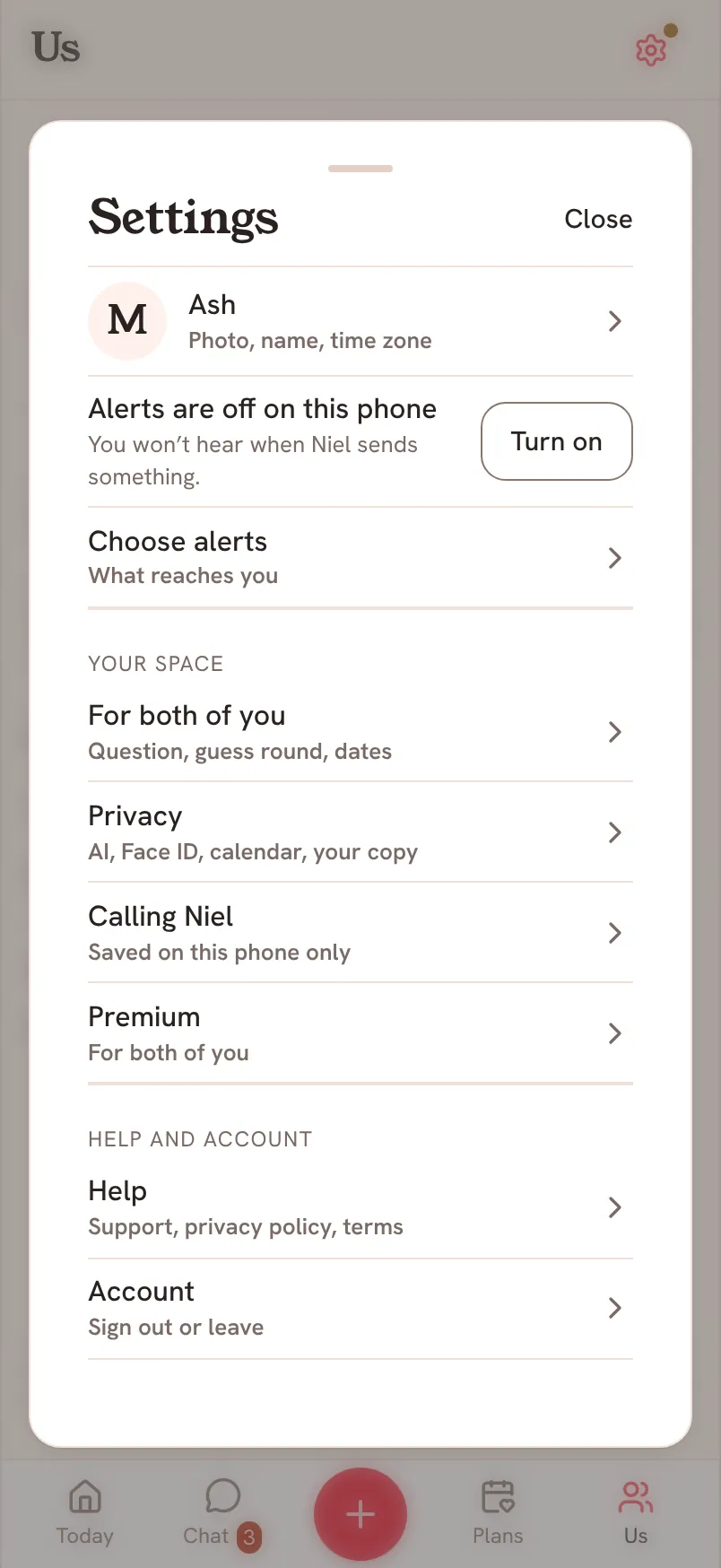
Some Saath settings apply to both phones at once. Open Settings, then For both of you, and either of you can change them.
Change a shared setting
- Tap the gear icon at the top to open Settings.
- Tap For both of you.
- Switch Today's question, Guess round or Dates and countdown on or off.
- Set Question time, pick Our app icon, or choose a Chat backdrop.
Questions about shared settings
If I change one, does it change for my partner?
Yes. These apply to both of you, on both phones.
What is Dates and countdown?
It shows the next day you are both looking forward to.