Write a letter for a day ahead or a feeling
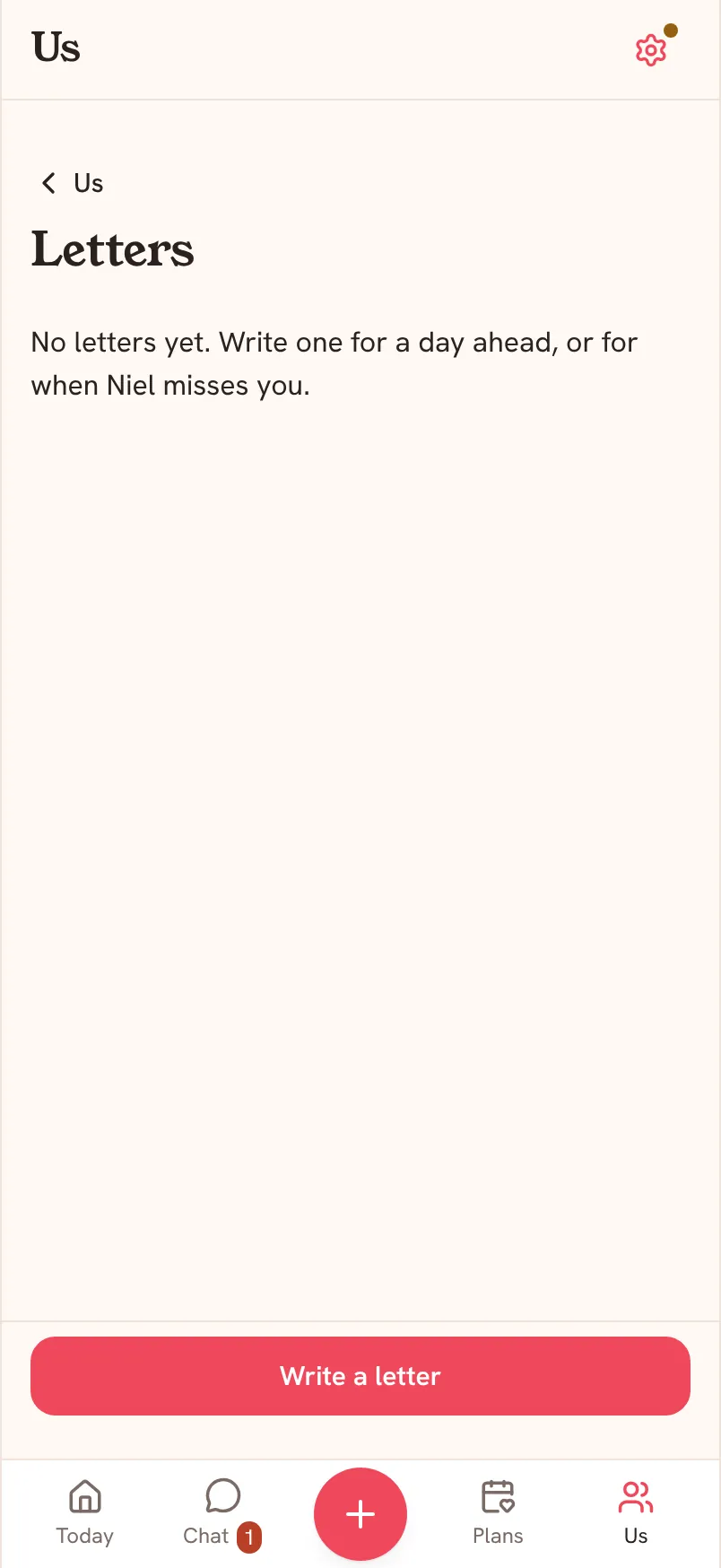
A letter in Saath is a note you write now for later. Open Us, tap Letters, then Write a letter. You can write one for a day ahead, or for a feeling, such as when your partner misses you.
Write a letter
- Open Us and tap Letters.
- Tap Write a letter.
- Choose the Kind of letter: For a day (it opens on a date you pick) or For a feeling (it opens when your partner chooses, for example when they miss you).
- Write in the Your letter box, the way you would say it.
- Tap Seal it. The letter waits until it is time.
Questions about letters
How does my partner open it?
When it is time, they see A letter is waiting and can tap Open now, or hold the letter to open it.
Can I take a letter back?
Yes. Tap Undo right after you seal it, and your partner will not see it.
Where do letters live afterwards?
In Letters under Us, with the rest of what you keep together.