Draw something and send it
In Chat, tap the paintbrush, draw with your finger and tap Send. Your drawing arrives in the conversation, and it can say what a few words cannot.
Draw and send in four steps
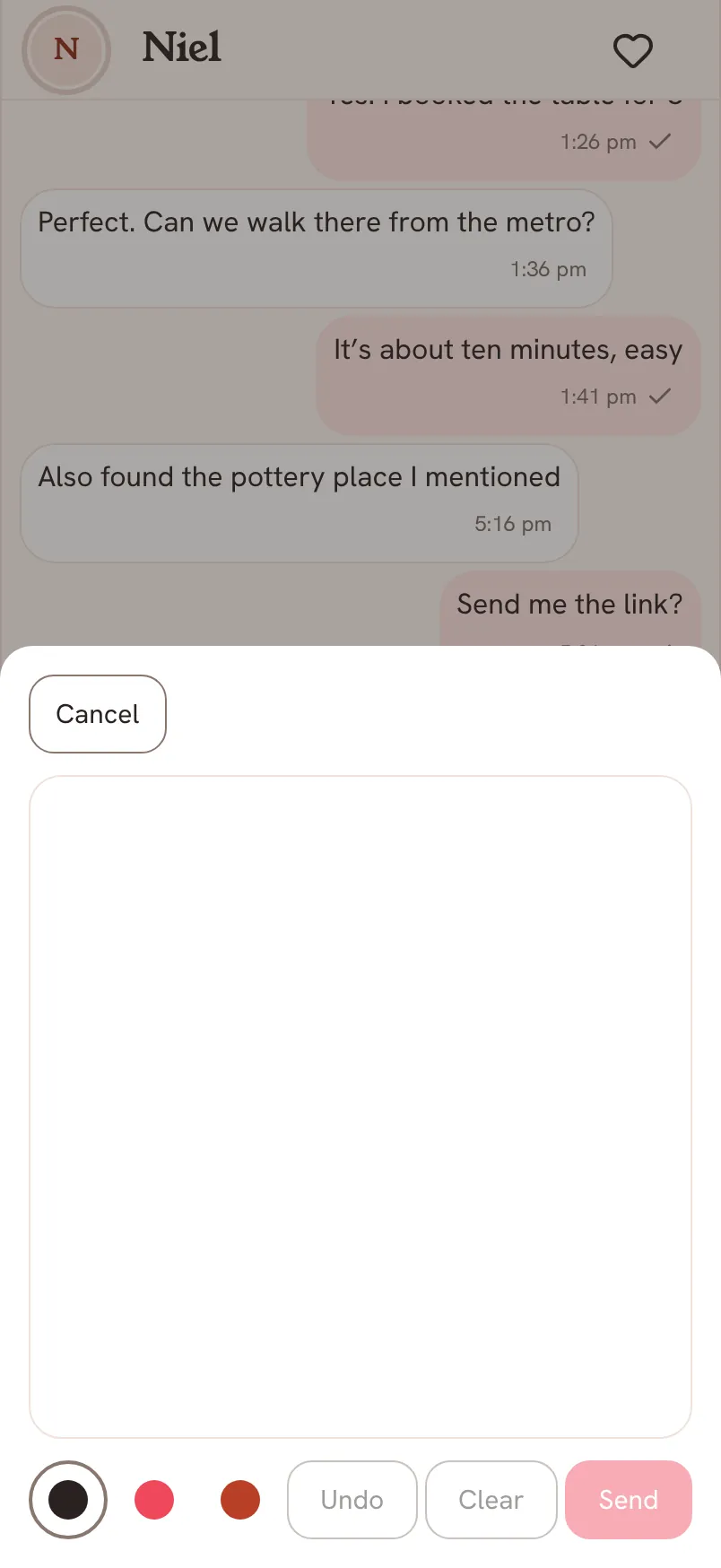
- Open Chat and tap the paintbrush icon next to the Message box.
- Draw on the white canvas with your finger.
- Pick a colour from the three circles at the bottom. Tap Undo to take back your last stroke, or Clear to start again.
- Tap Send. The drawing lands in Chat for your partner. Tap Cancel if you change your mind.
Questions about drawings
Can I draw on a photo?
The drawing canvas starts blank. To share a photo, tap the picture icon in Chat instead.
Does my partner see it right away?
Yes, as soon as it is sent and they have a connection. If you are offline, it waits on your phone and goes when you are back.