How to share a mood and reply to one
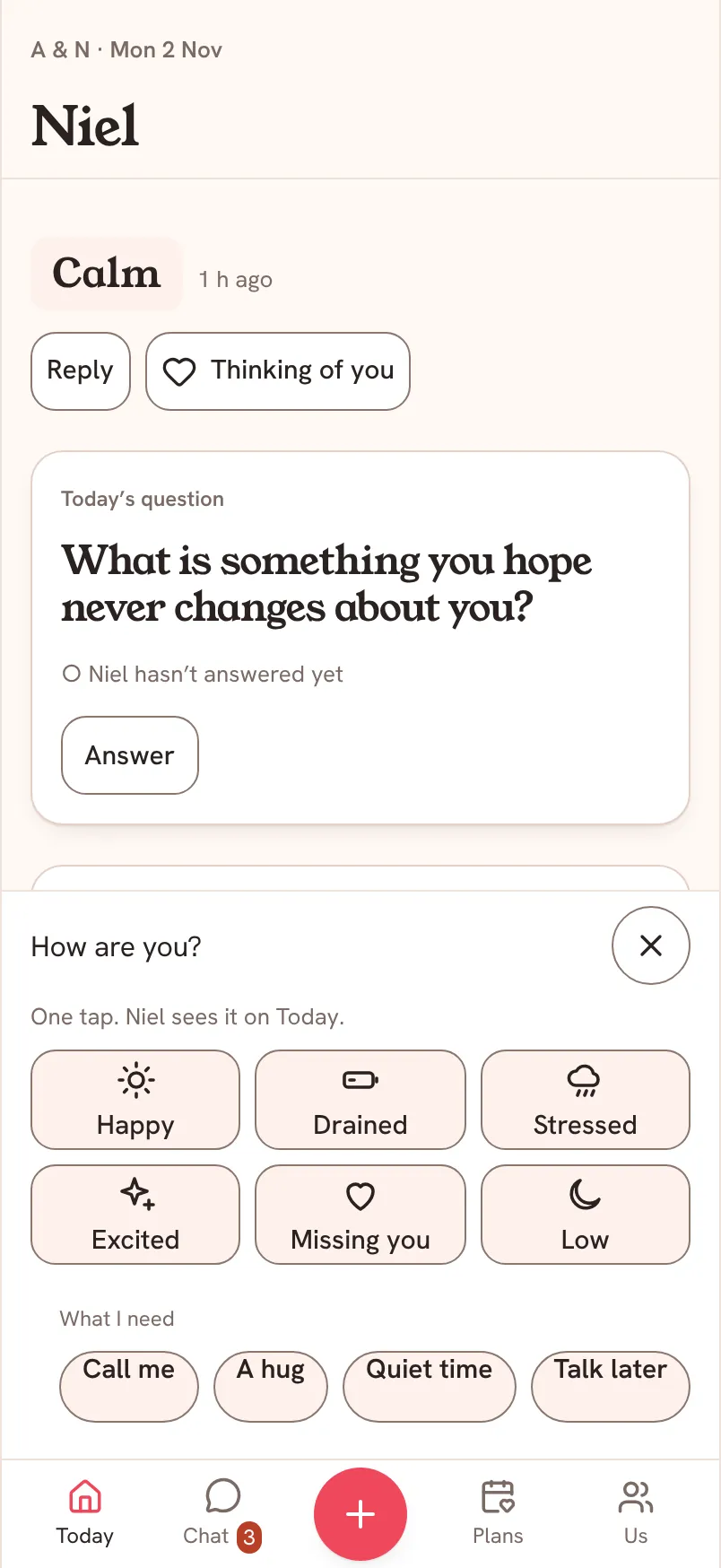
Some days "fine" is all you have. In Saath you open Today, tap How are you?, pick one of six moods and, if you want, say what you need. Your partner sees it on their Today and can answer in one tap.
Share a mood in four taps
- Open Today and tap How are you? at the bottom.
- Pick the mood closest to you: Happy, Drained, Stressed, Excited, Missing you or Low.
- Under What I need, tap one if it helps: Call me, A hug, Quiet time, Talk later or Help with....
- Close the sheet. Your partner now sees your mood on their Today.
What your partner sees and how they reply
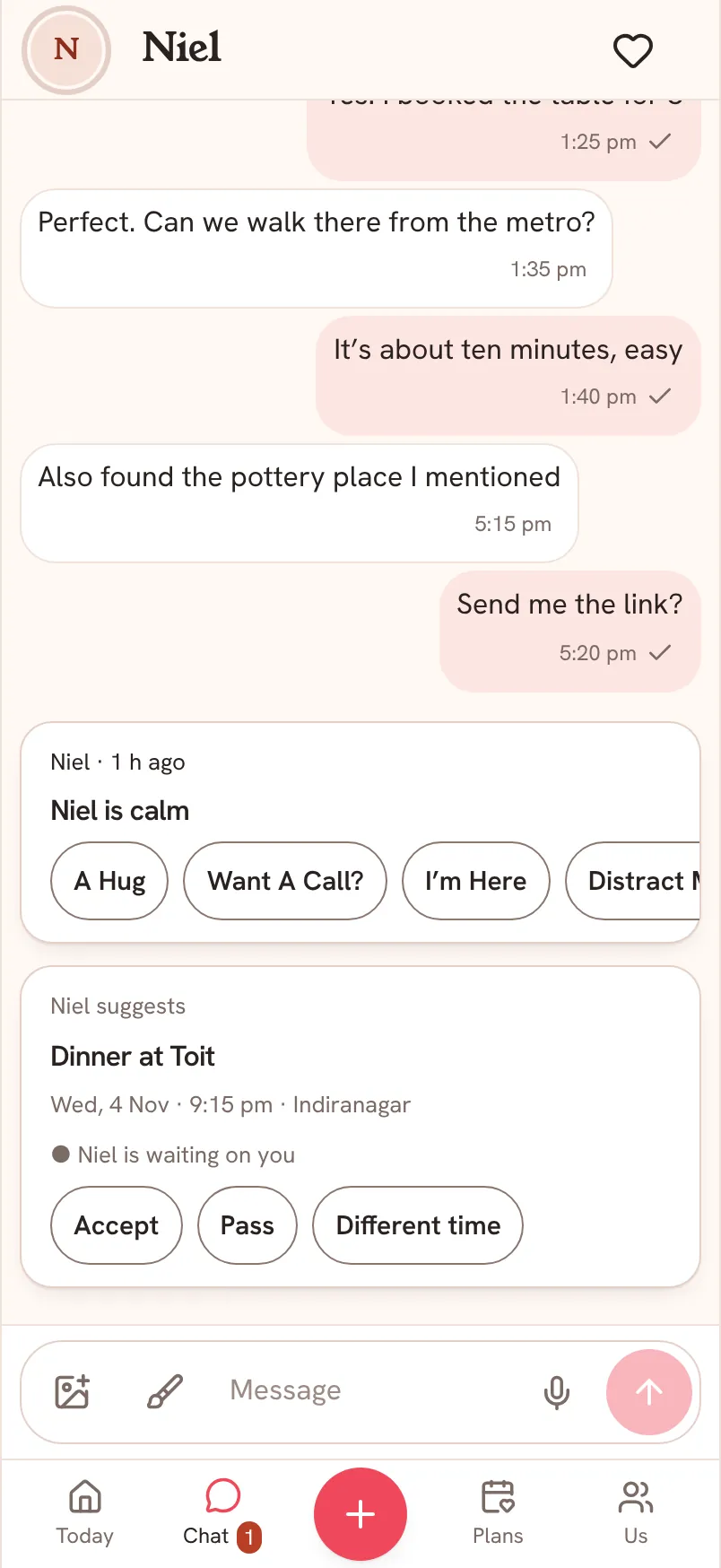
Your mood shows at the top of their Today with the time you shared it. Under it they can tap Reply, which opens Chat with your mood quoted above their message, or Thinking of you, which lets you say it with one tap. In Chat they also get quick answers: A Hug, Want A Call?, I'm Here and Distract Me?.
Questions about moods
Can I change my mood later?
Yes. Open How are you? again and pick a new one. Your partner sees the update.
Do I have to say what I need?
No. Picking a mood is enough. What I need is there for the days you want to say a little more without writing a message.
Who sees my mood?
Only your partner sees it, on their Today.