Browse guides
Saath Couples App · Get started
Sign in and create your space
The Saath couples app has no password. Type your email, tap Send code, enter the 6-digit code from your inbox, and you are in. A new email adds your name and a short question first.
Signing in to the Saath couples app takes your email and a 6-digit code, so there is nothing to remember and nothing to reset.
Sign in or create your space
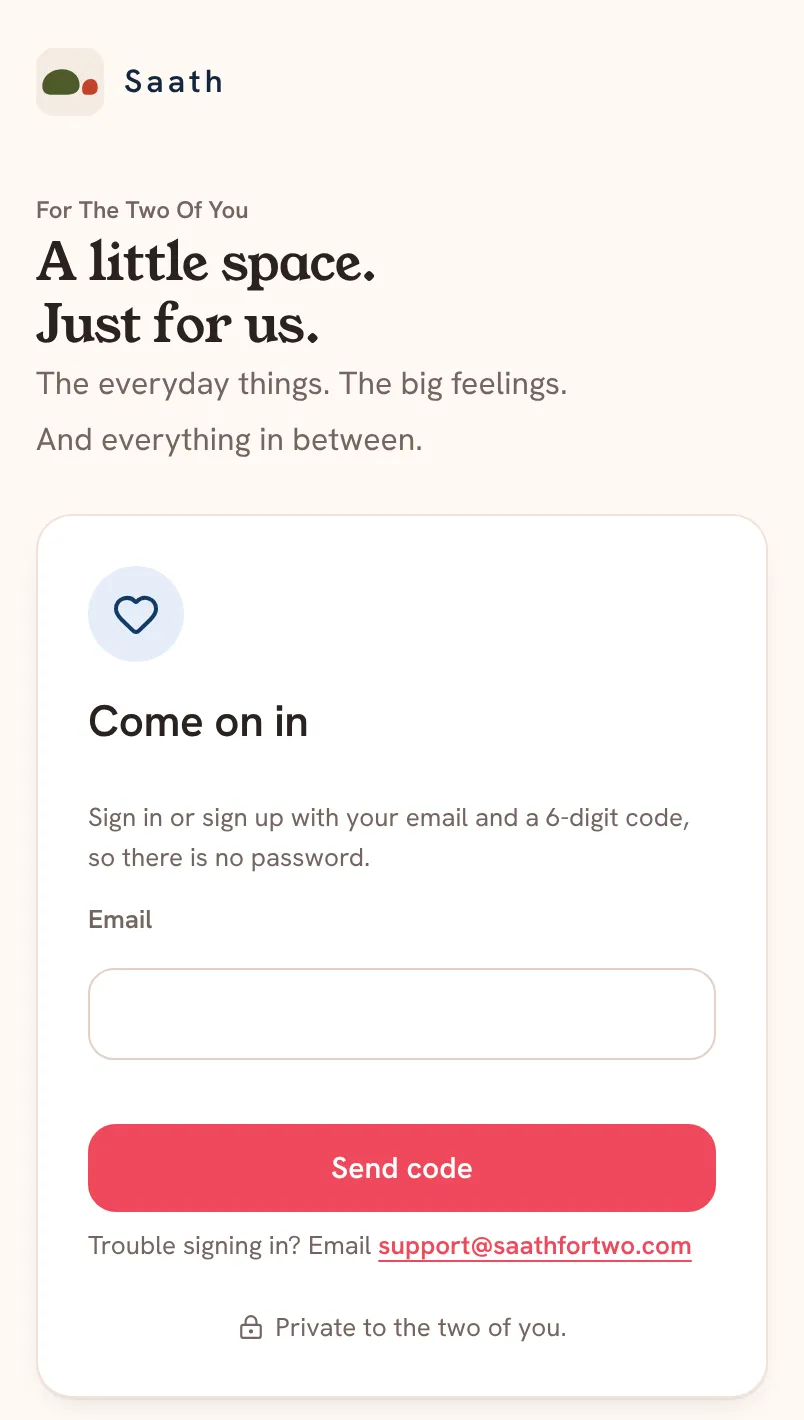
- Open Saath. On Come on in, type your email.
- Tap Send code. Saath emails you a 6-digit code.
- Type the code in Code and tap Open Saath.
- If this email is new to Saath, you now see Your name. Type the name your partner should call you.
- In Who you're inviting, type what you will call each other here. This one is optional.
- Answer Do you two live together or apart? with Together or Apart.
- Tick the line that says you are 18 or over and agree to the Terms and Privacy, then tap Open Saath.
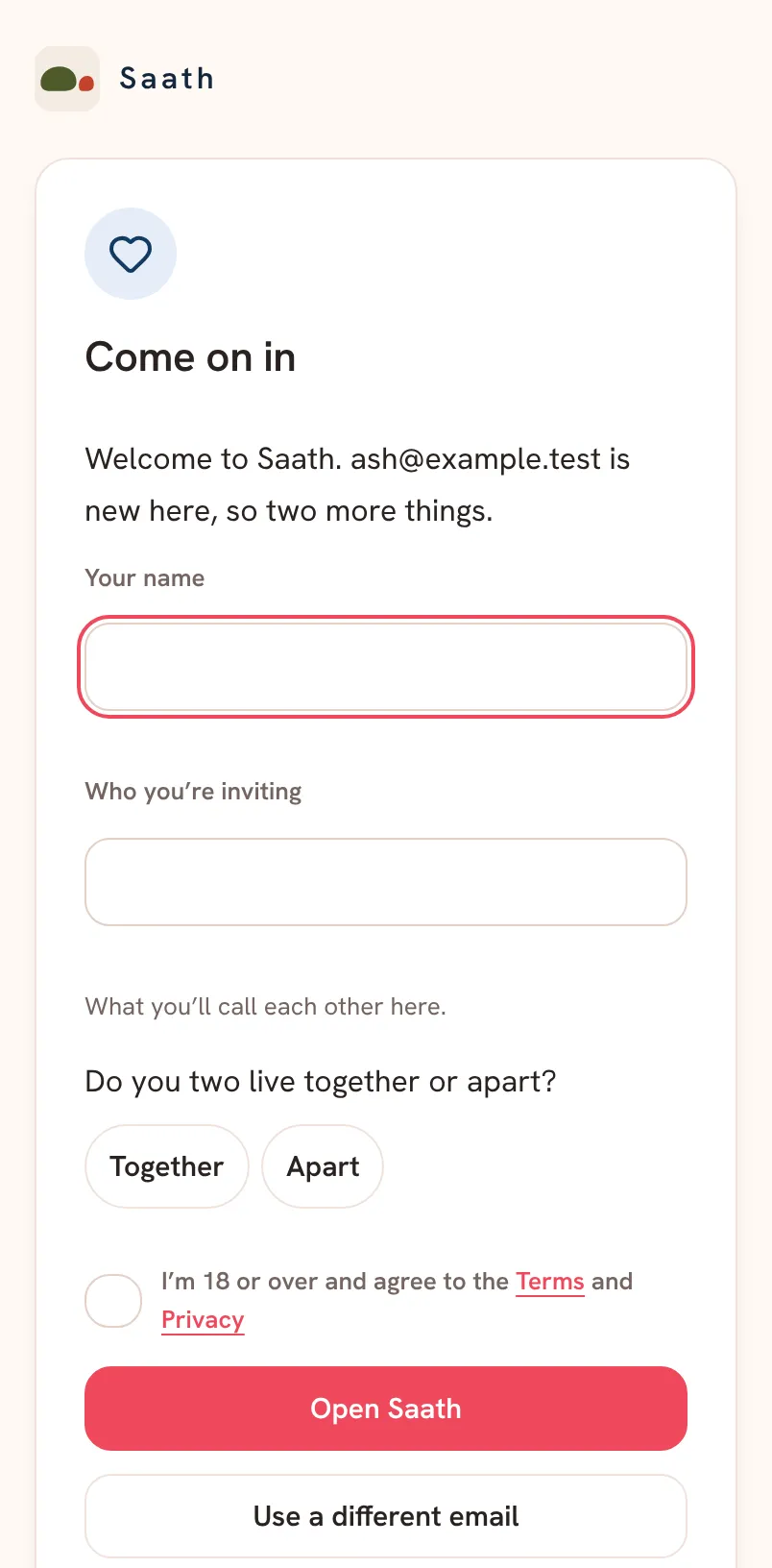
If you already have a space, you go straight to it after step 3. If you are new, Saath sets up your space when you finish step 7, and you can invite your partner next.
Saath Couples App
Join the waitlistWhat your partner sees
Nothing yet. Your partner sees your space only after they join it with your invite. Your name is what they will see when they do.
Questions about signing in
I did not get the code. What now?
Check your spam folder first. Then tap Send a new code. A new code makes the old one stop working. If a code you asked for a minute ago still works, Saath tells you to use that one.
I typed the wrong email. Can I change it?
Yes. Tap Use a different email on the code step. Your first entry is kept if you go back.
Is there a password?
No. Saath says it plainly: sign in or sign up with your email and a 6-digit code, so there is no password. Each time you sign in, you ask for a new code.
Why does the Saath couples app ask if we live together or apart?
If you live apart, Saath keeps a city for each of you, and the ideas it suggests take that into account. If you live together, you share one.
What if signing in keeps failing?
Email support@saathfortwo.com. Saath also shows that line under the sign-in card.