Browse guides
Saath Couples App · Us
Add days, stops and a pack list to your trip
In the Saath couples app, a trip page keeps its days, the things to sort out and a shared pack list. Add a stop to any day, tap Directions to open Maps, and tick items off as you each get them done.
Every trip in the Saath couples app lists its days by number and date, so you can put each stop on the day it belongs to.
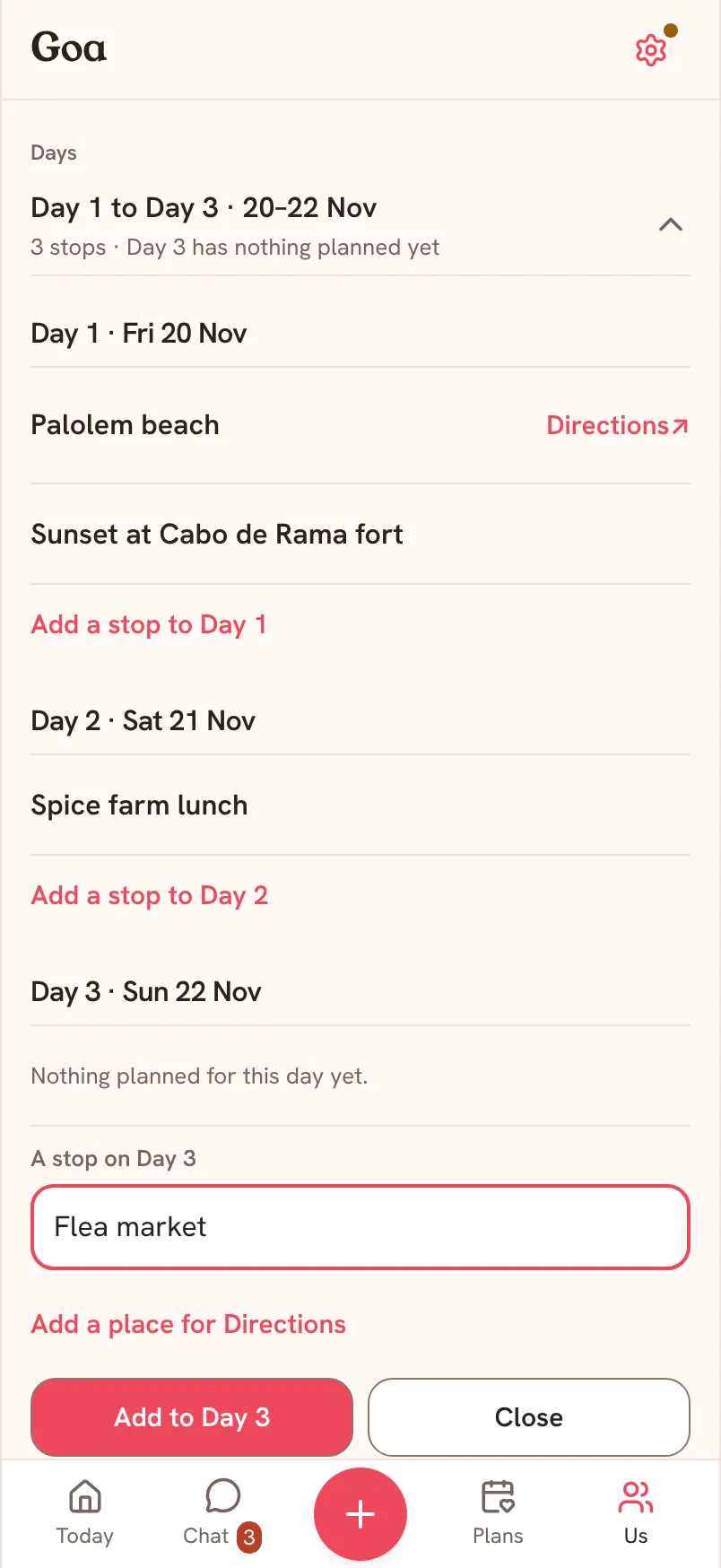
Add a stop to a day
- Open your trip from Us, then Together. Under Days, tap the row that reads Day 1 to the last day.
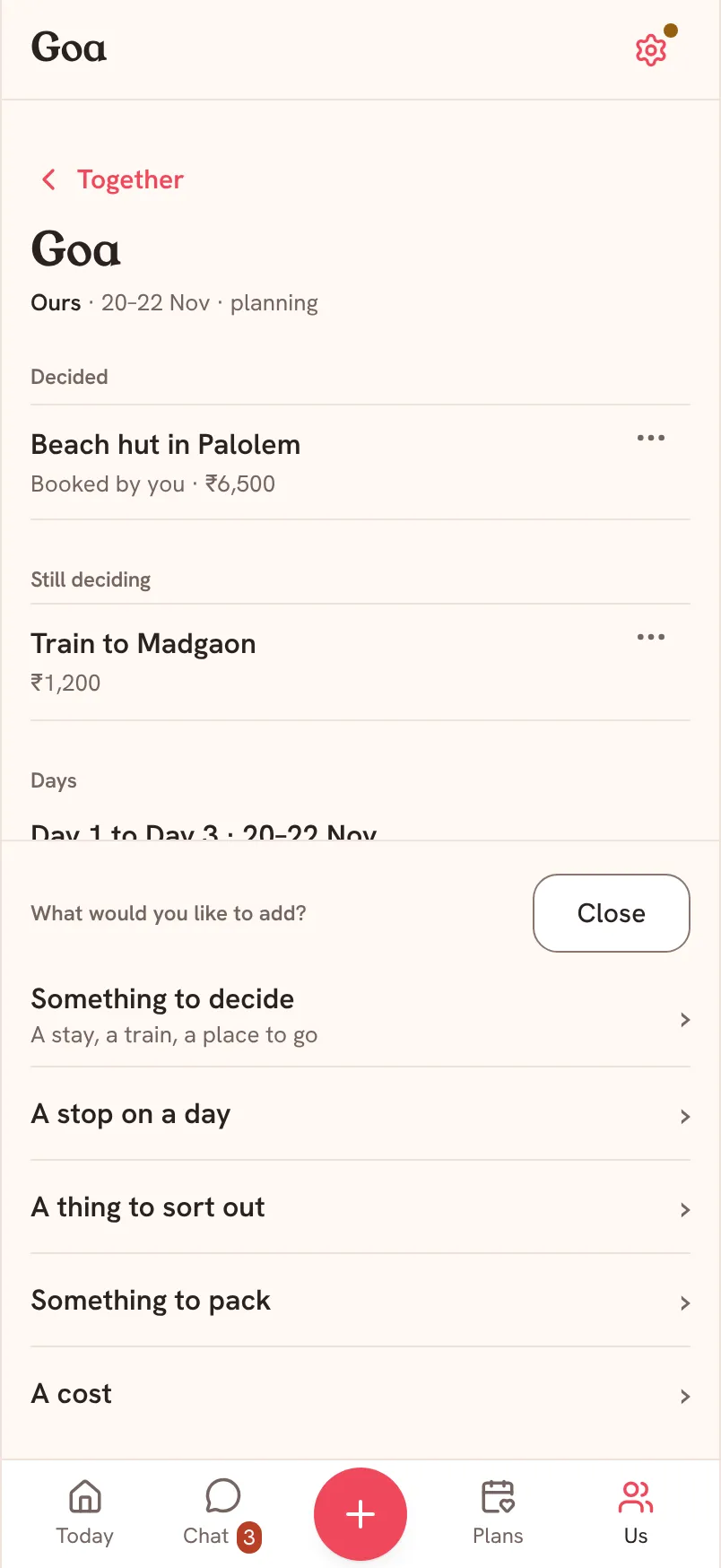
- Find the day you want and tap Add a stop to Day with its number. You can also tap Add to the trip, then A stop on a day.
- Type the stop, for example a beach or a restaurant, in the field that opens.
- If you want Directions, tap Add a place for Directions and type a place or an address. This is optional.
- Tap Add to Day with the same number. The stop appears under that day.
- Tap Directions next to a stop to open it in Maps on your phone.
Saath Couples App
Join the waitlistThings to sort out and things to pack
Under Before you go, two rows keep the small jobs.
- To sort out is for what has to happen before you leave. Tap the row, tap Add a thing to sort out, type it and tap Add.
- Pack is one list for both of you. Tap the row, tap Add something to pack, type it and tap Add.
Tap the circle next to an item to tick it off. Tap it again to untick it. The row says who did it, for example You packed it.
What your partner sees
Everything on the page is shared. Your partner sees each stop, each item and each tick on their own phone, with the name of whoever ticked it.
Questions about trip days and items
Do we share one pack list in the Saath couples app?
Yes. Pack is one list for the trip. Either of you can add to it, and either of you can tick an item off.
Can I add a day that is not on the trip?
Not on a trip with dates: it lists the days between Starts and Ends. A Someday trip has no dates, so it starts with Day 1 and offers Add another day after your last one.
Can I change or delete a stop?
The trip page lists the stops and lets you add more. It does not edit or delete a stop. For packing and things to sort out, tap the tick again to undo it.
What if I have no signal?
You see the last copy saved on your phone. Saath says Open these trip details online once to save an offline copy. if you have not opened them online yet. Adding a stop or an item needs a connection.
What if it does not save?
Saath says Couldn’t save. Try again. Check your connection and tap Add again. Nothing is added until it saves.
What do I see on the day of the trip?
During the trip, Today at the top of the trip page shows the stops for that day, and the dock offers A stop on a day next to the diary. See The trip diary.