Browse guides
Saath Couples App · Chat
Look through the photos in your chat and keep one
In the Saath couples app, tap a photo in Chat to open it full screen. Swipe to move between every photo you two have sent, zoom in, and see who sent each one and when. Keep a photo as a memory from its message options.
The chat photo gallery in the Saath couples app opens when you tap a photo in Chat, and it holds every photo the two of you have sent, one after another.
Open and move through your chat photos
- Open Chat and tap a photo.
- Swipe left or right to move to the older or newer photo. On a computer you can click the arrows or press the arrow keys.
- Pinch with two fingers, or double-tap, to zoom in. Drag to look around the photo.
- Swipe down, or tap Close photos (the × at the top left), to go back to Chat.
- Tap the photo once to hide or show the sender, the day and time, and the words that were sent with it.
- To keep a photo, press and hold its message, tap More, then tap Keep as a memory.
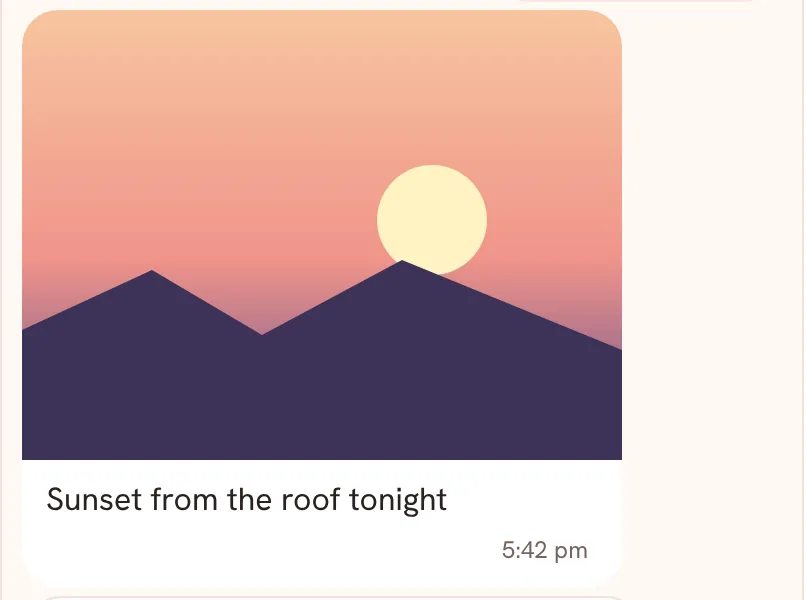
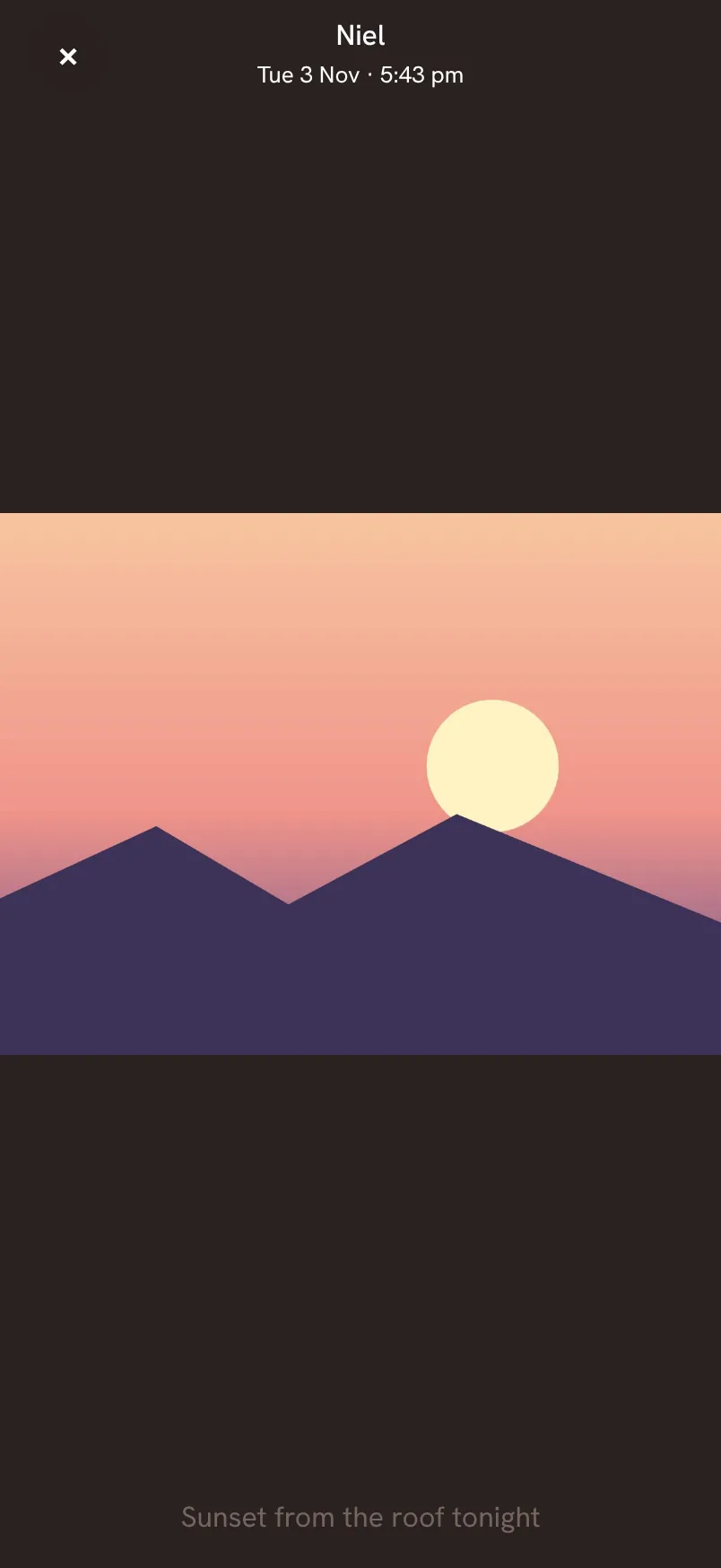
The top line names the sender: You, or your partner's name. While older photos are still loading, the time line adds · Loading….
Saath Couples App
Join the waitlistWhat your partner sees
Nothing changes on their phone when you open a photo. If you keep a photo as a memory, Saath saves it as a moment with its words, dated the day it was sent. Moments are part of what you share, so it also appears in your shared moments under Us.
Questions about the chat photo gallery
Can I save the original photo to my phone?
The Chat viewer has no download button. Keep the photo as a memory, open it from your moments under Us, and tap Download original in that viewer.
Can I keep a photo my partner sent?
Yes. Either of you can keep either person's photo. Saath confirms with Kept in Memories and an Undo button, and the message then shows Kept.
What if a photo does not load?
Saath says This photo could not be loaded. Close and try again. If the photo was removed, it says This photo was removed. If earlier photos fail, you see Could not load earlier photos. Showing photos already loaded.
What if I have no signal?
Photos already saved on your phone can still open. For the rest, Saath needs a connection.
Where do my photos go in the Saath couples app?
Photos are kept in private storage and open only through short-lived links. A photo keeps the place it was taken if your camera saved it, and your partner gets the same file.
Can I remove a photo I sent?
Yes, your own photos. Press and hold the photo's message, tap Delete, and confirm. Copies already downloaded cannot be recalled.
Do photos use up storage?
Photos are stored for you both. Premium gives room for years of photos and videos. On the Free plan the app shows your last 30 days, and earlier days are kept safely.
For sending photos, see Send and keep photos. To react and reply to a photo, see message options.