Browse guides
Saath Couples App · Alerts and widgets
Put your person on your Home Screen with Saath widgets
The Saath couples app has widgets for the iPhone Home Screen and Lock Screen that show your partner's name, their mood and the time where they are. On the day of a plan, a Live Activity counts down to it on your Lock Screen. Hide previews keeps the widget to a plain mood colour.
The Saath couples app puts your person on your iPhone, so you can see how they are without opening anything.
Add a Saath widget
- Touch and hold an empty spot on your Home Screen until the icons shake, then tap the plus button at the top.
- Search for Saath and pick a size: small, medium, or a Lock Screen widget.
- Tap Add Widget, then tap Done.
- For the Lock Screen, touch and hold the Lock Screen, tap Customize, tap the widget area and add Saath.
- If the widget says Open Saath, open the app once. It then fills in by itself.
Saath Couples App
Join the waitlistWhat your partner sees
A widget is for your phone only. Your partner sees nothing change; if they add a widget, it shows your name and mood the same way.
Questions about widgets
What does a widget show?
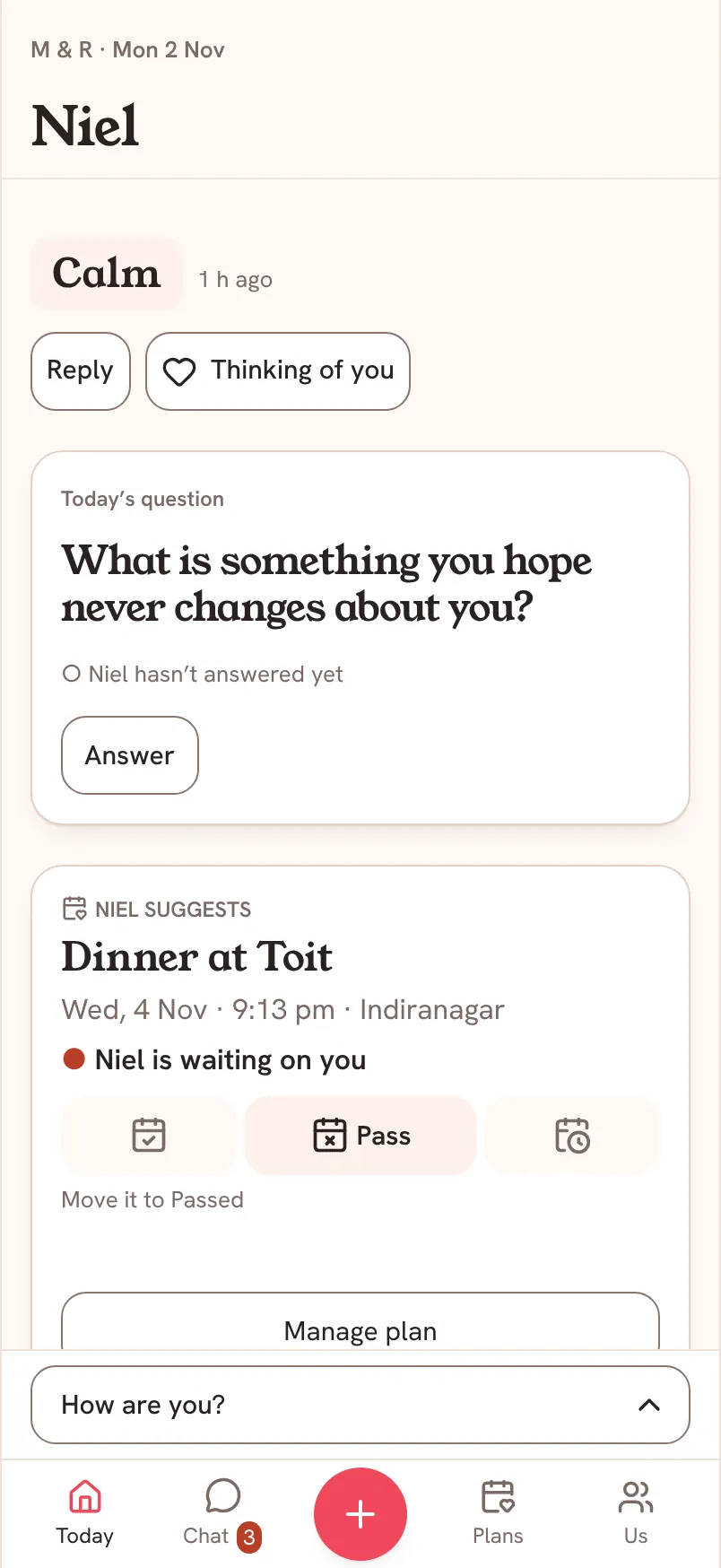
The small widget shows your partner's name, their mood word (with "earlier" when it is older), the time where they are and, when there is one, a line about a visit. The Lock Screen widget shows the same on one line, or a mood colour in a circle. The medium widget adds their latest message and, if they asked you for something, answer buttons. With no mood yet it says No mood yet, and with nothing to show it says Open Saath.
What is a Live Activity?
On the day of a plan with a start time, Saath can show a countdown on your Lock Screen and in the Dynamic Island until the plan begins. It reads "Dinner at Toit at 8:29 pm", or only "At 8:29 pm" when previews are hidden. It stops when the plan starts.
How do I hide names on a widget?
Switch on Hide previews in Alerts. The widget then shows only the colour of your partner's mood, with no name or words, and the Live Activity gives only the time.
How do I turn off the Live Activity?
In your iPhone Settings, under Saath, switch off Live Activities. Today stays the same.
Does the widget update straight away?
Not always. iPhone decides when a widget refreshes, so it can lag a little behind Saath. Open Saath to see the latest.
Do widgets work on Android in the Saath couples app?
The widgets and Live Activities described here are for the iPhone app.